How to Use InstaGrab
Save any Instagram video, reel or photo in three simple steps — no installation needed.
By using this service you agree to our Terms. Only download content you have permission to use.
How to download from Instagram in 3 easy steps
Save any Instagram video, reel, photo or story to your device — no app, no login, 100% free.
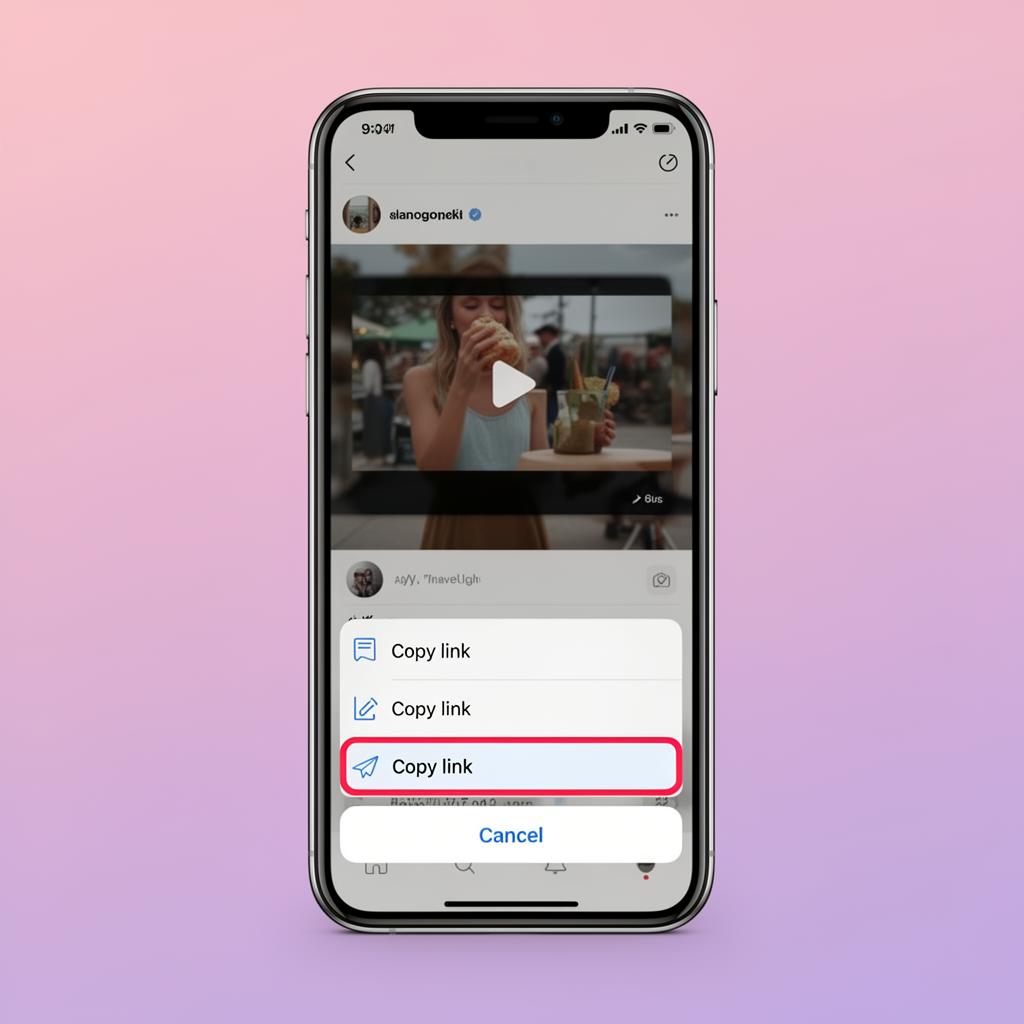
Copy the Instagram link
Open the Instagram app or website, find the video, reel, photo or story you want to save, tap the share icon (paper plane) and choose Copy link. The URL is now in your clipboard, ready to paste.
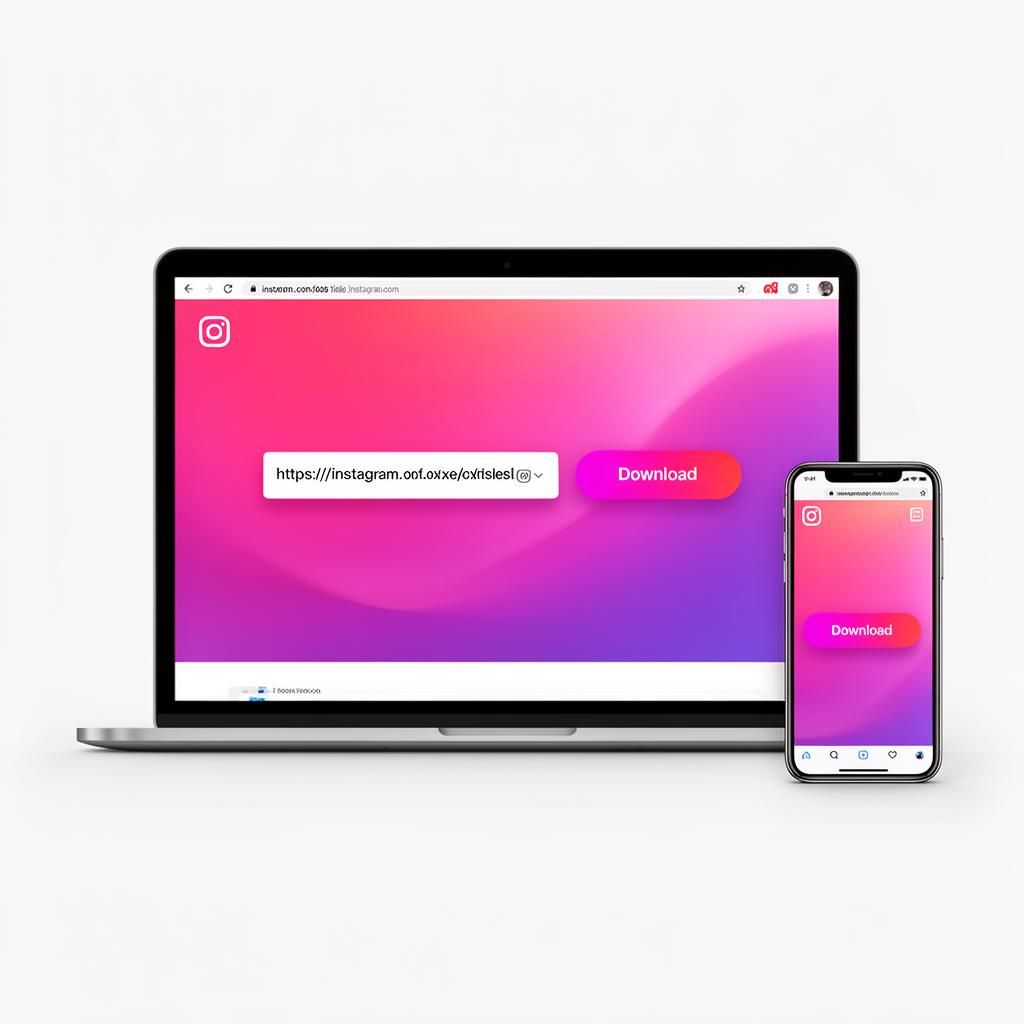
Paste the URL on InstaGrab
Come back to InstaGrab in your browser and paste the link you just copied into the input field at the top of the page. Works on phone, tablet, laptop or desktop — no app, no signup, no installation needed.
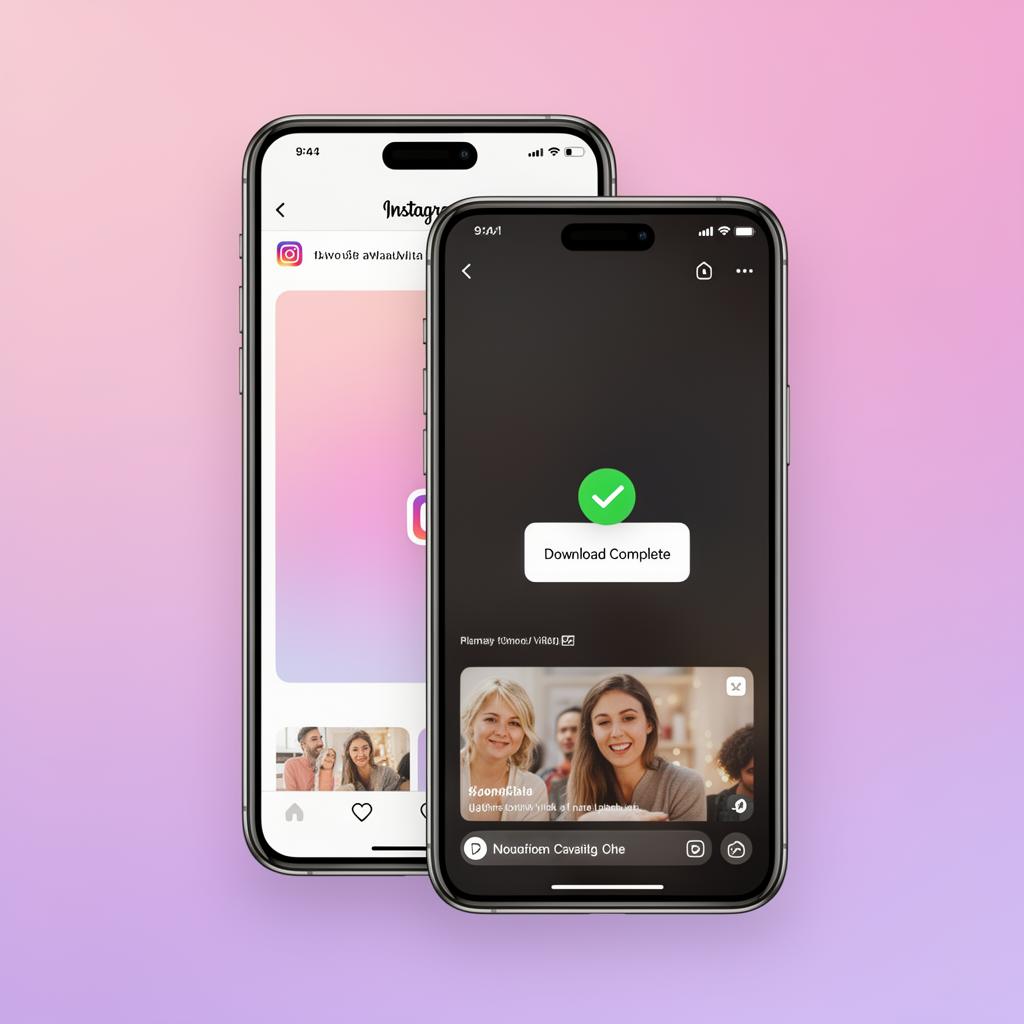
Hit Download & save the file
Click the Download button. InstaGrab fetches the original HD media in seconds. Pick the quality you want and the file is saved instantly to your camera roll, gallery or Downloads folder.
Detailed instructions by device
📱 On iPhone or Android
Open the Instagram app, tap the three-dot menu on any post or reel, and choose "Copy link". Open InstaGrab in your browser, paste the link and tap Download. The file saves to your camera roll or Downloads folder.
💻 On Windows or Mac
Open Instagram in your browser, copy the post URL from the address bar, paste it into InstaGrab and click Download. Your file is saved to your Downloads folder automatically.
🎬 Downloading Reels & IGTV
Reels and IGTV work the same way as regular videos. Just copy the share link and paste it into the input box. You'll get the original HD quality file.
Try our Instagram downloaders
One toolkit for everything Instagram — pick the downloader that fits your needs.
Video Downloader
Save any Instagram video in HD quality.
Photo Downloader
Download high-resolution Instagram photos.
Reels Downloader
Grab Instagram Reels with original audio.
Story Downloader
Save Instagram Stories anonymously.